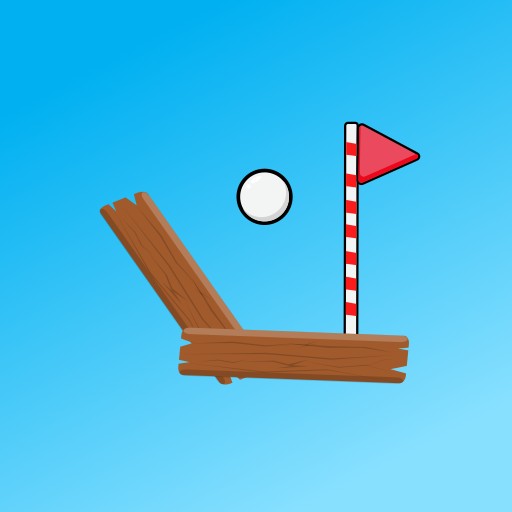
Draw One Part Brain Puzzle
Played 295 times.
- % (0/0)


Description
Instructions
Categories Tags Comments

Draw One Part: Brain Puzzle invites you to hone both your creative mind and logical reasoning in a series of progressively challenging stages. Each level presents an almost complete image, and your sole mission is to sketch the missing segment exactly as it belongs. The interplay between the art‑making process and the puzzle’s structure makes every draw feel like a fresh brain workout.
The gameplay is straightforward yet engaging. When a new image appears, you pick a brush size and color from the toolbar and start tracing the outline or filling in a shape. The interface is clean, with a single canvas in the center and a minimalistic tool panel on the side. Mistakes can be erased instantly, encouraging experimentation and multiple attempts until the picture locks in place. This “draw‑to‑solve” mechanic keeps the action continuous and eliminates downtime between puzzles.
What sets Draw One Part apart is the subtle instruction system. Each level prompts you with a few hints—directional arrows, light strokes, or color cues—to guide you toward the missing piece. These hints fade after a few attempts, adding a sense of urgency. The game also offers a “slow mode” where you can zoom in on the canvas; this feature is handy for those who love precision or are working on complex images with intricate details.
Draw One Part: Brain Puzzle fits comfortably among a collection of titles that blend creative tasks with puzzle logic. If you enjoy services that challenge visual inference in a similar way, you might also like Doodle Drop, Down the Hill, or the tactical drafting in Stick Wars 3D. Each of these games shares an emphasis on spatial thinking and quick adaptation, making them natural companions for regular puzzle enthusiasts.
As you progress, the complexity of the images escalates—from simple geometric shapes to layered scenes that demand multiple drawing steps and color coordination. Players are rewarded with a satisfying sense of completion each time an invisible corner of the picture reveals itself, turning an ordinary drawing session into an exercise in pattern recognition and perceptual acuity.
Instructions
Goal: Complete each partially drawn image by sketching the missing parts exactly as intended, using the limited brush tools and colors provided.
Controls:
- Desktop (mouse/keyboard): Left-click and drag to draw; right-click to erase; scroll wheel to zoom in/out. Use arrow keys to pan when zoomed. Press “E” to toggle eraser size. Press “C” to cycle through colors.
- Touch devices: Tap and drag to draw; double-tap to erase; pinch to zoom; two-finger drag to pan.
Key mechanics and tips:
1. Observe the existing outlines for clues about shape and orientation.
2. Use the hint arrows or color hints; they show orientation or missing color pieces.
3. Start with a rough sketch to confirm shape, then refine details with smaller brush sizes.
4. Don’t hesitate to erase and retry—mistakes are part of the solving process.
5. Keep an eye on the timer; a slight speed advantage often helps settle the puzzle earlier.
Categories Tags Comments
You must log in to write a comment.